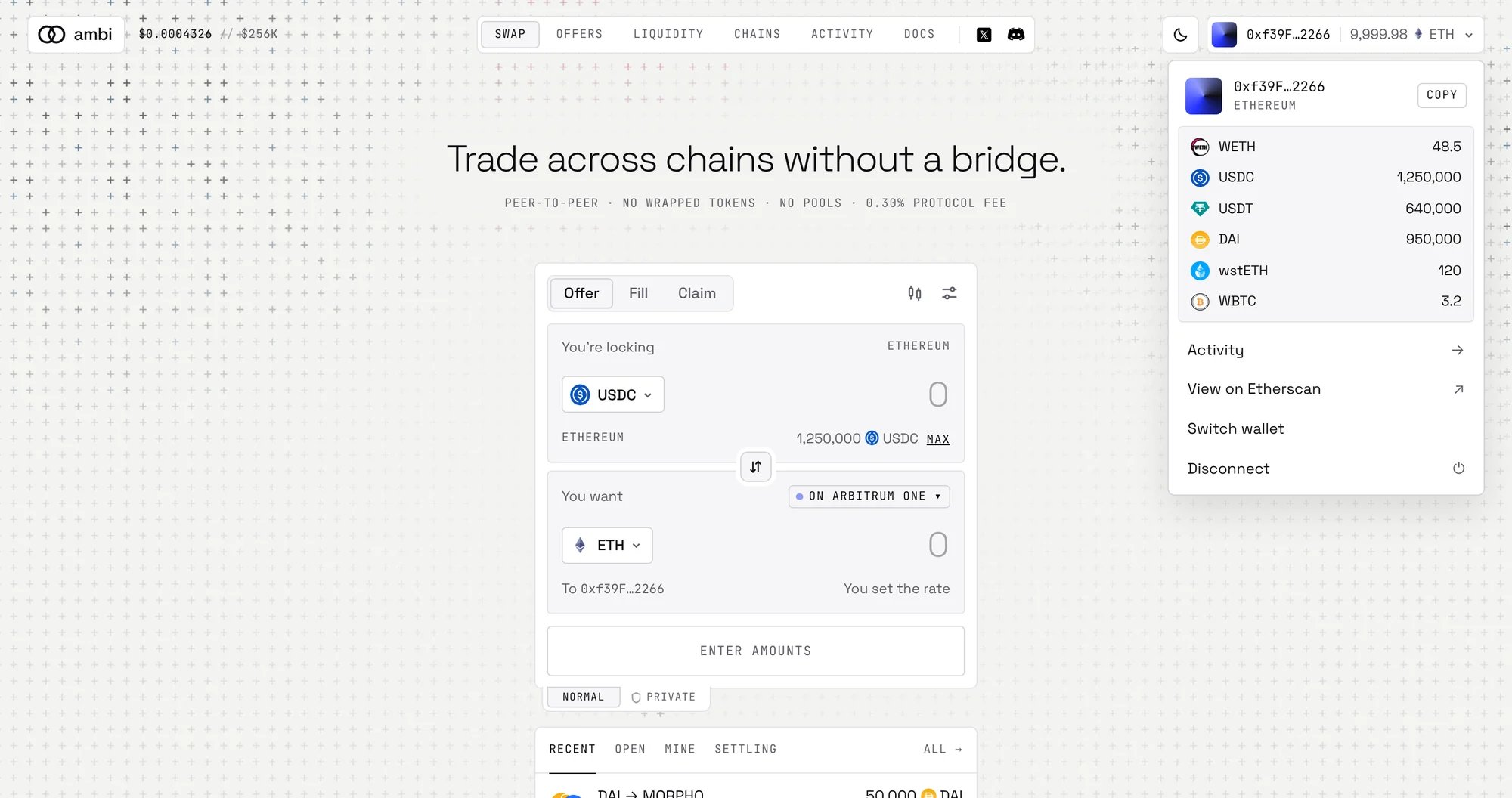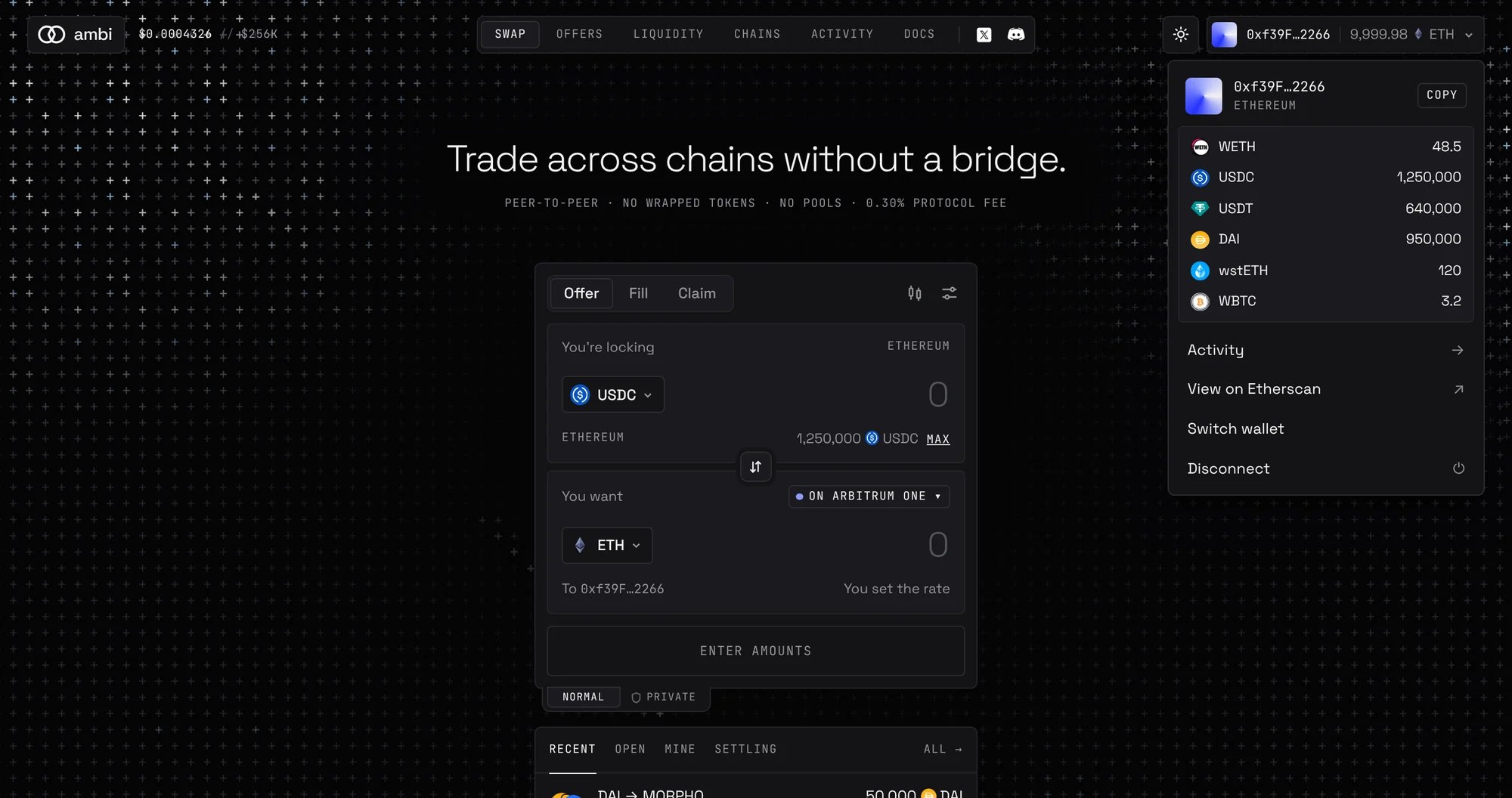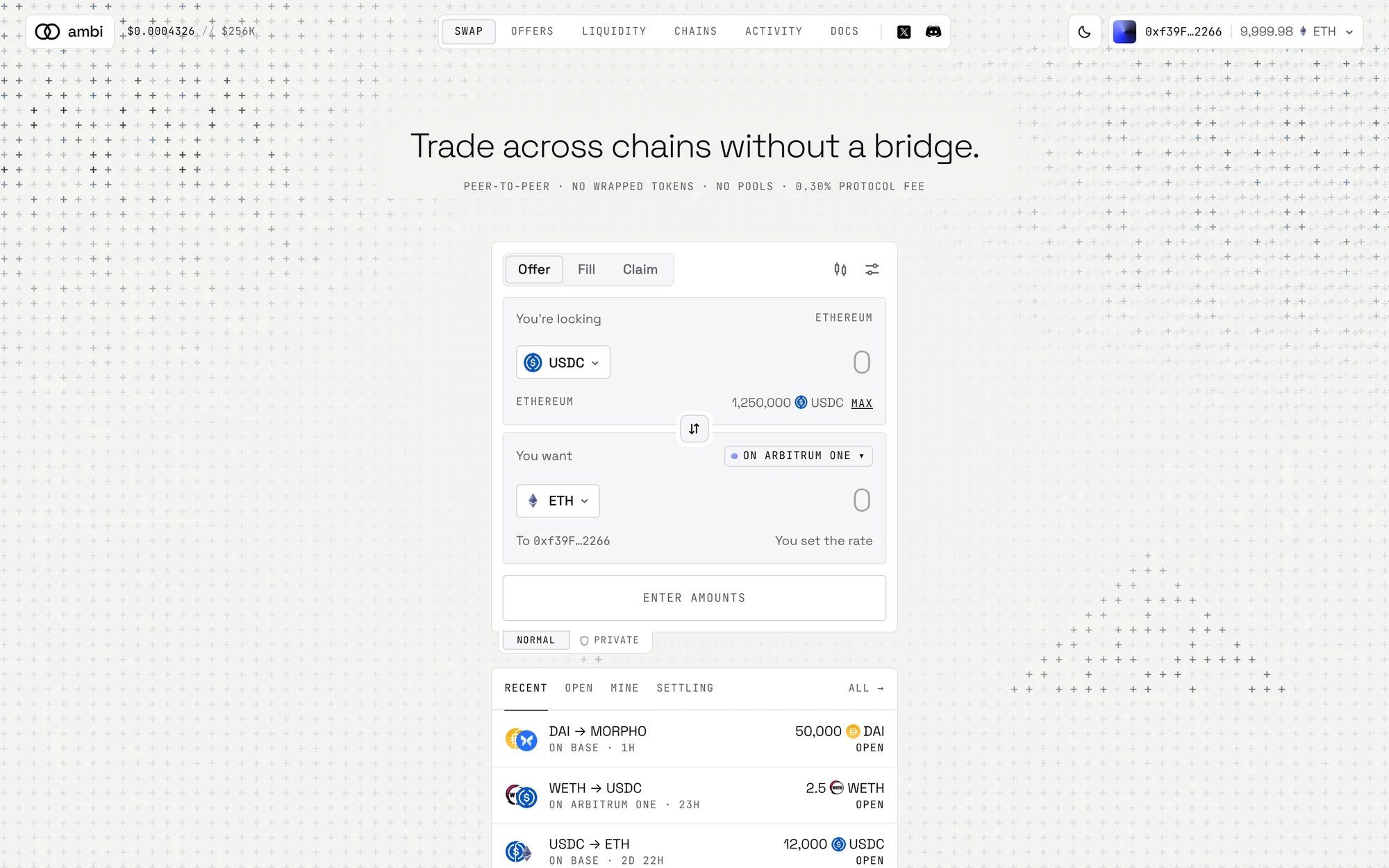
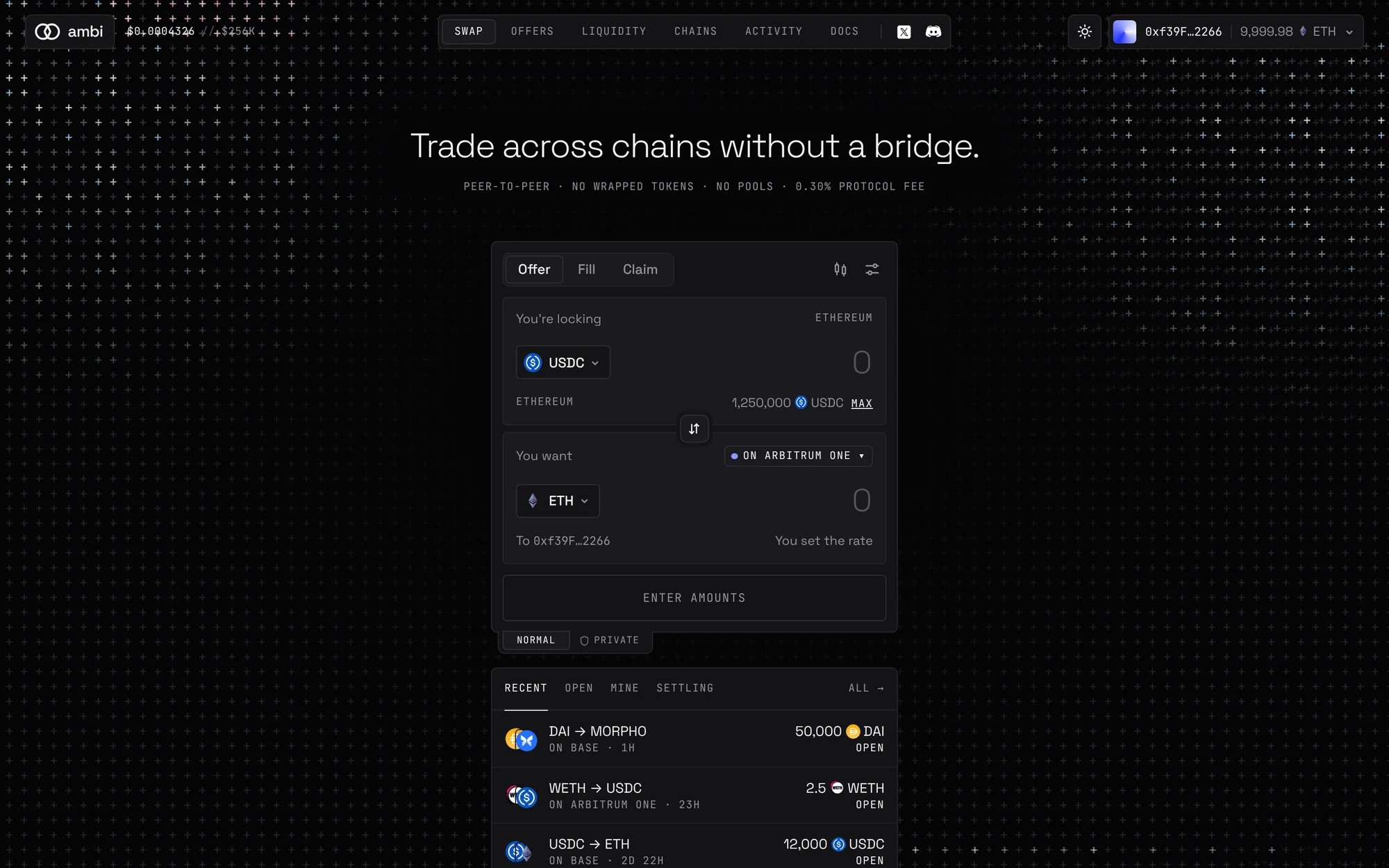
Swap
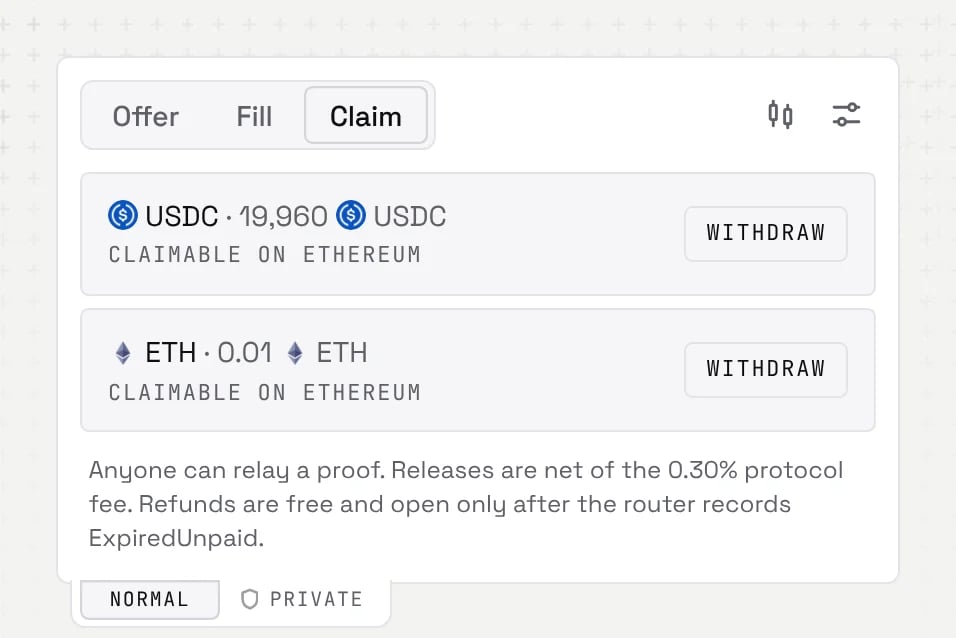
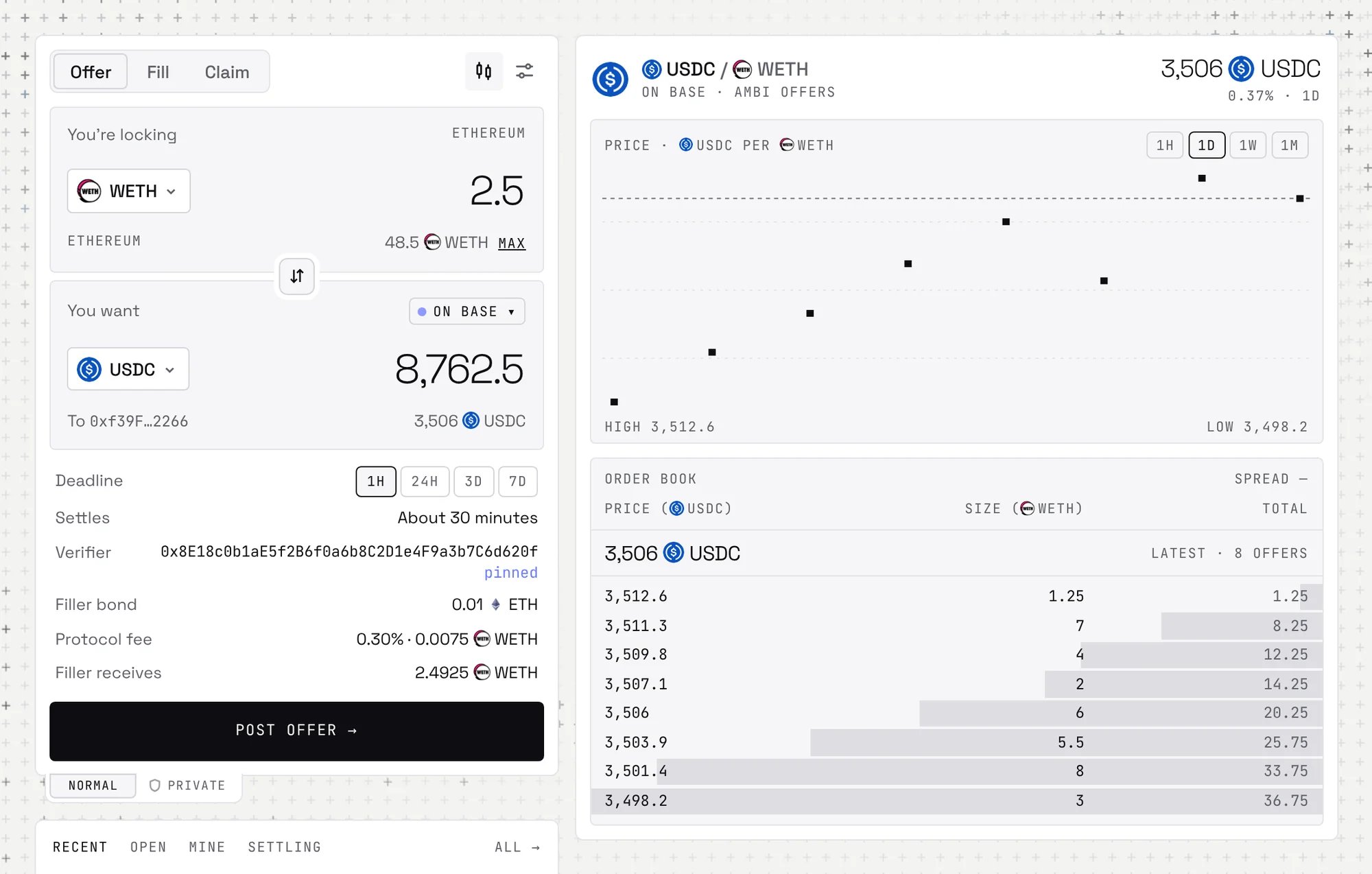
The swap card has three tabs.- Offer
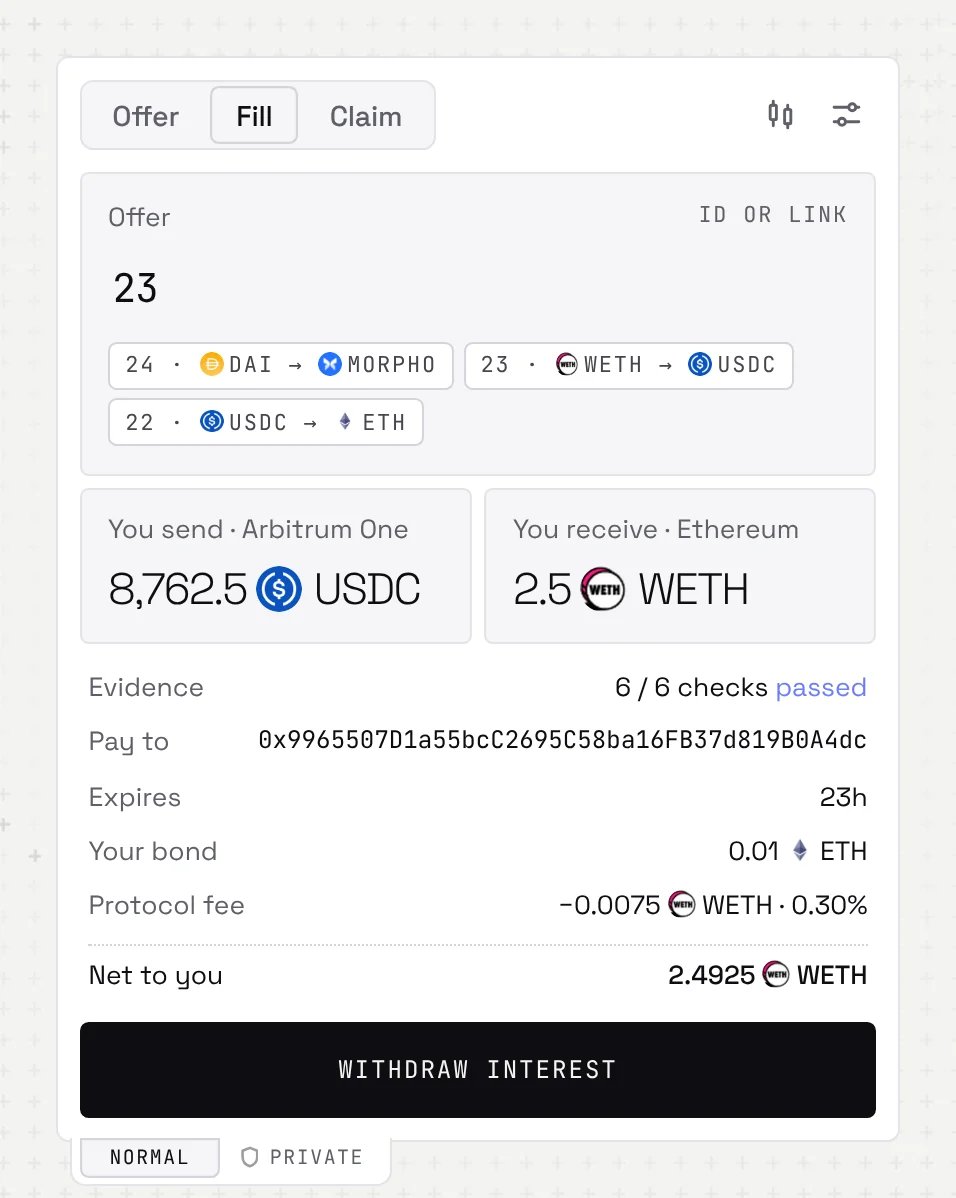
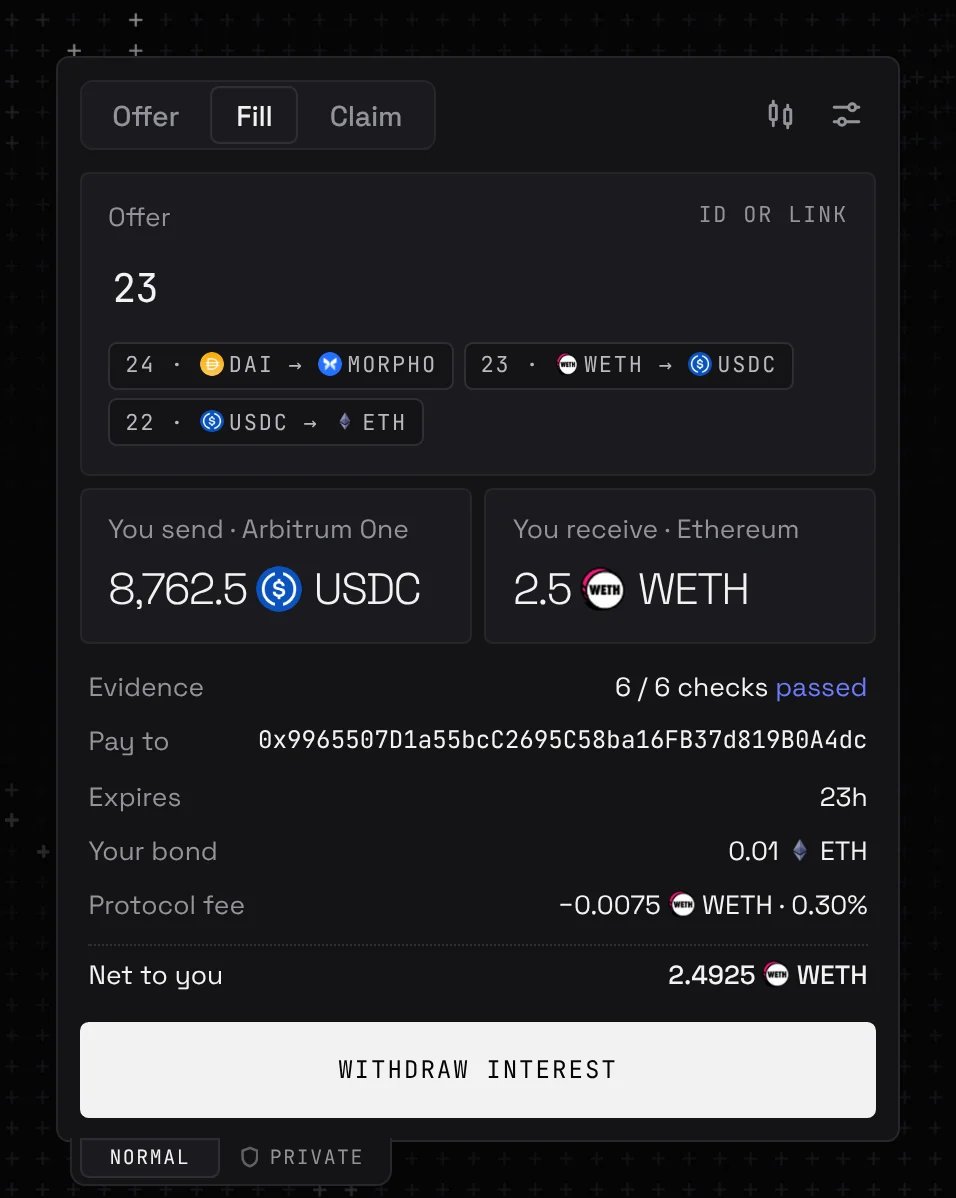
- Fill
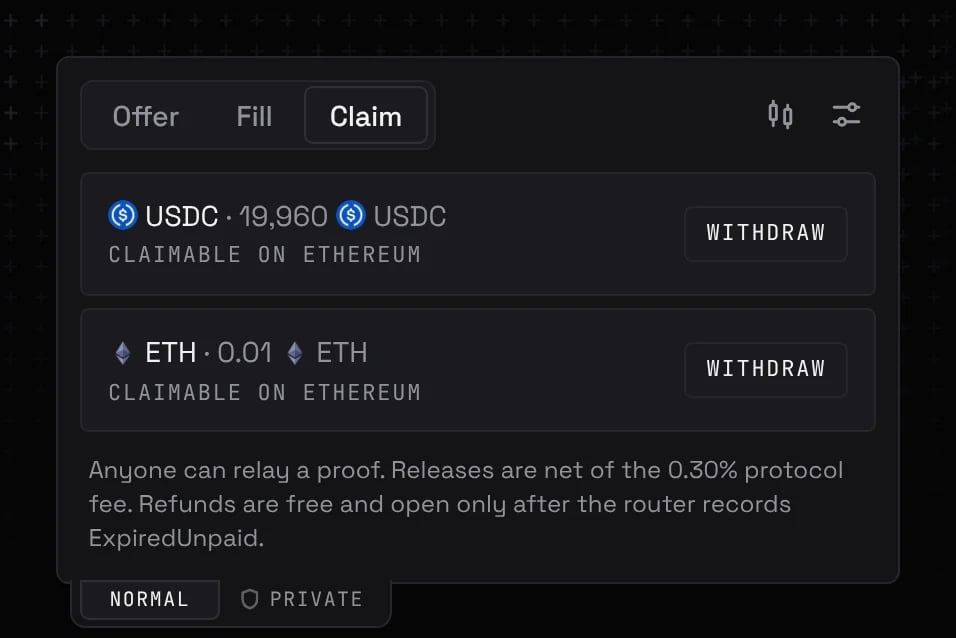
- Claim
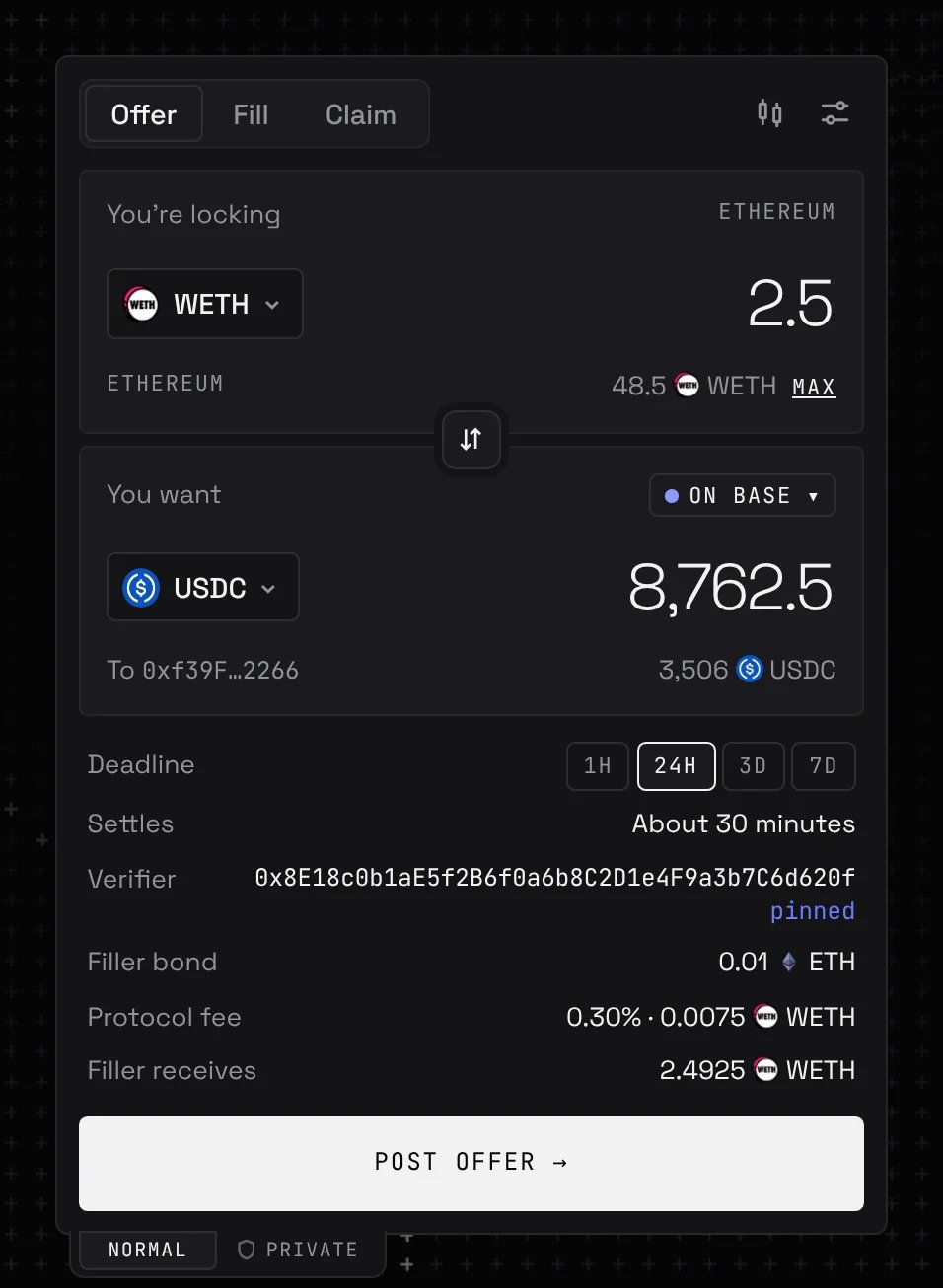
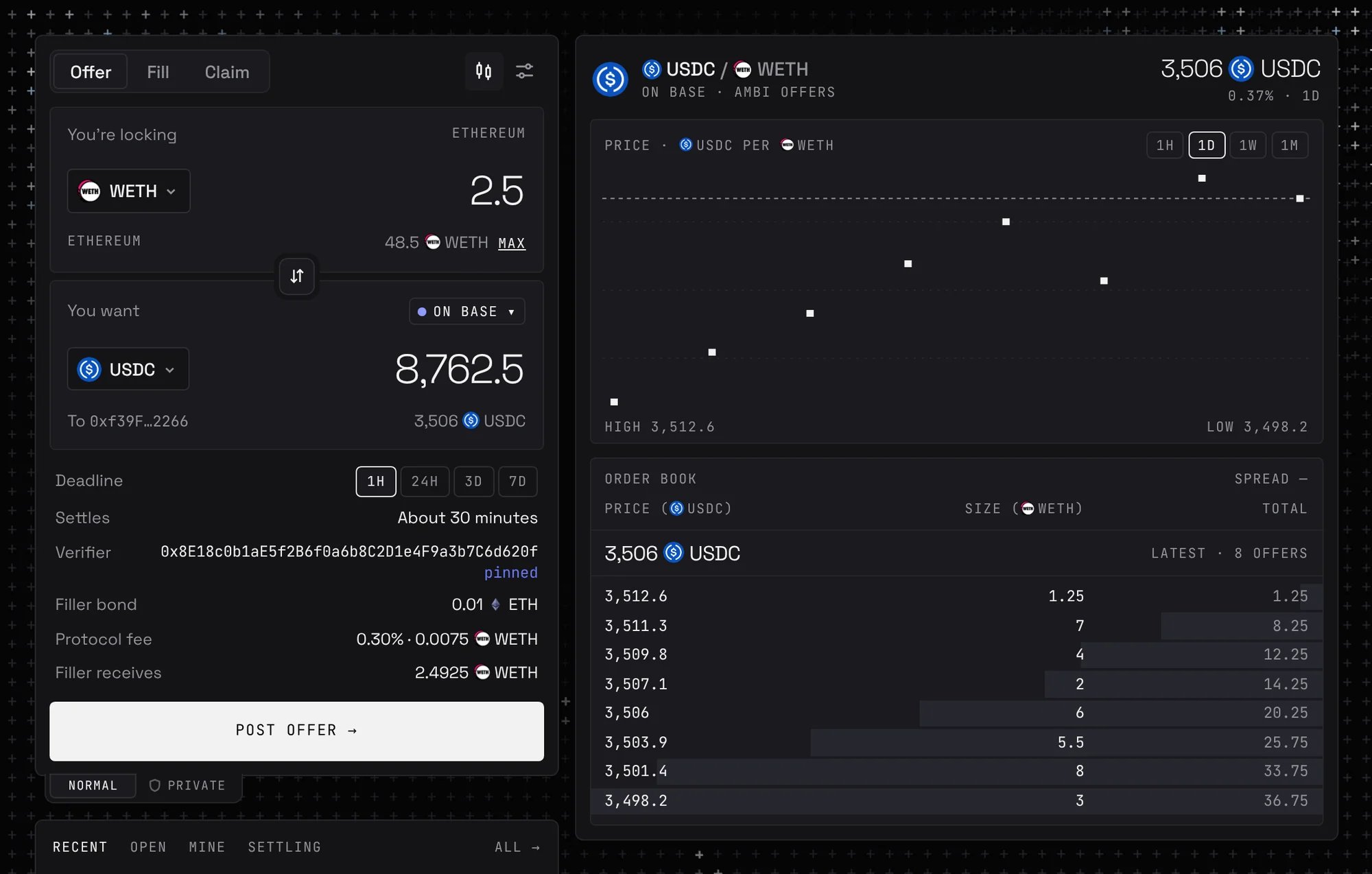
Lock an asset on Ethereum and name what you want elsewhere. Under You’re locking, pick any token or paste a contract address. Under You want, pick a route and a token. The card shows the deadline chips, the settlement time, the pinned verifier, the bond, the 0.30% fee and exactly what the filler will receive.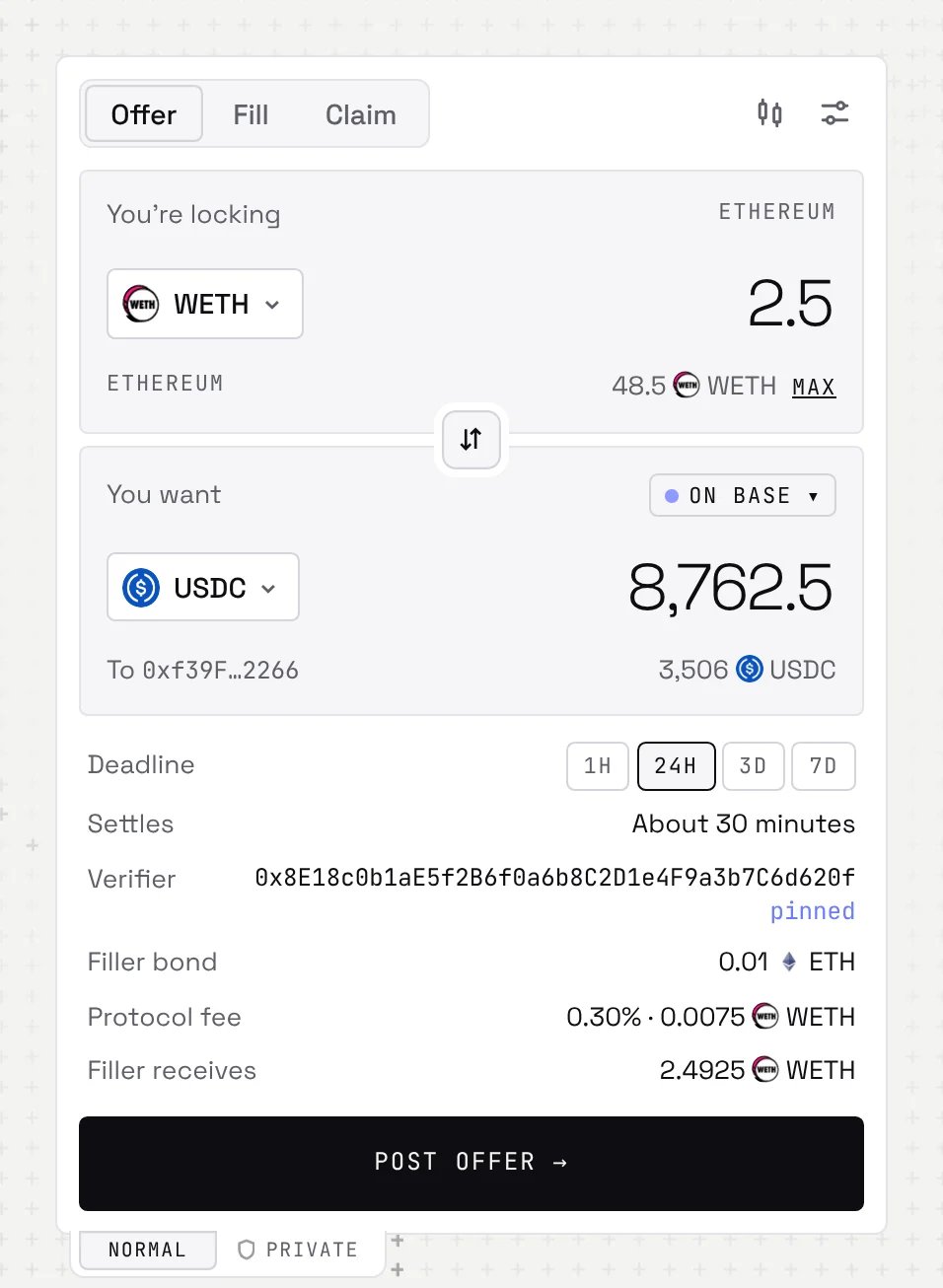
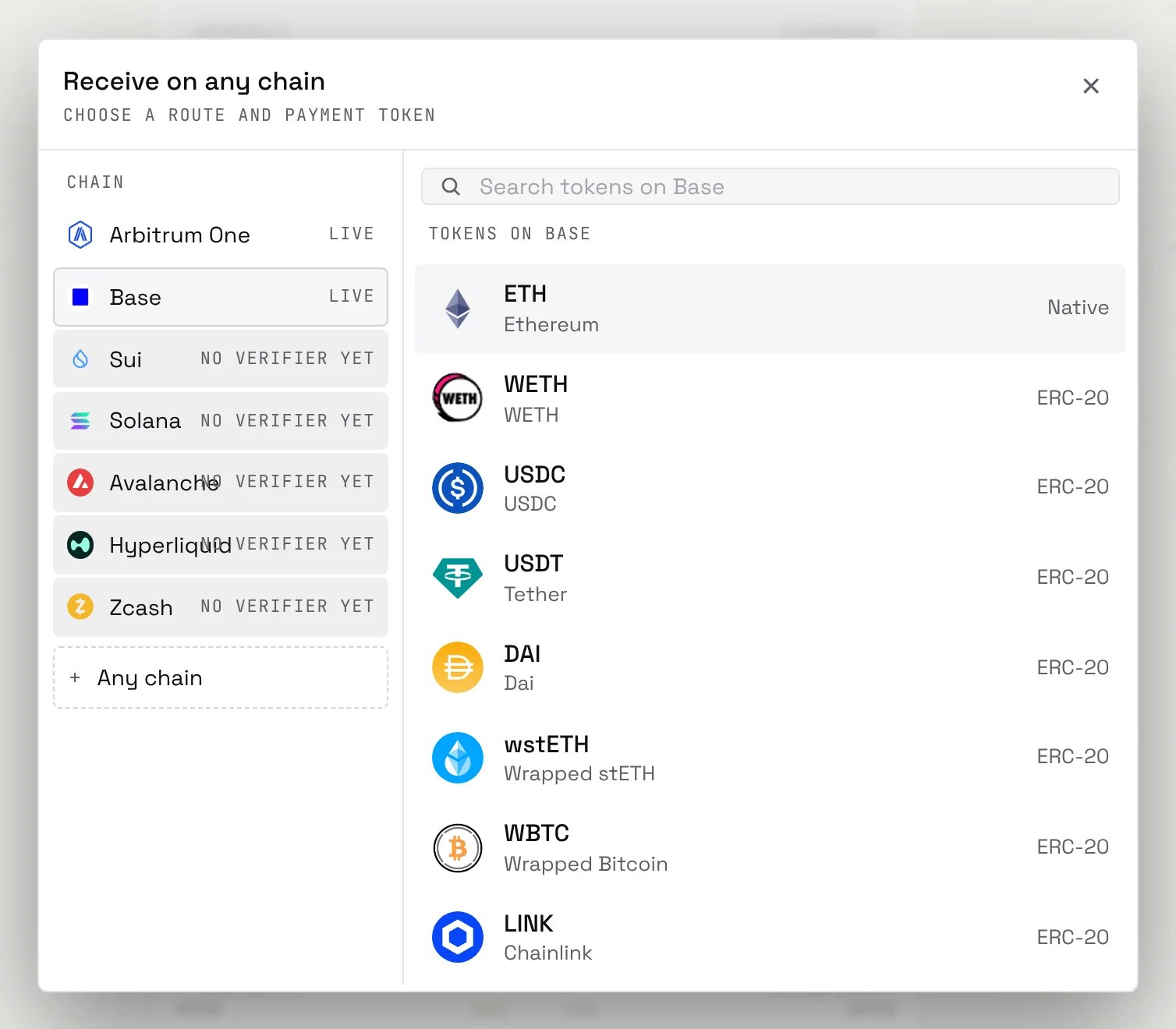
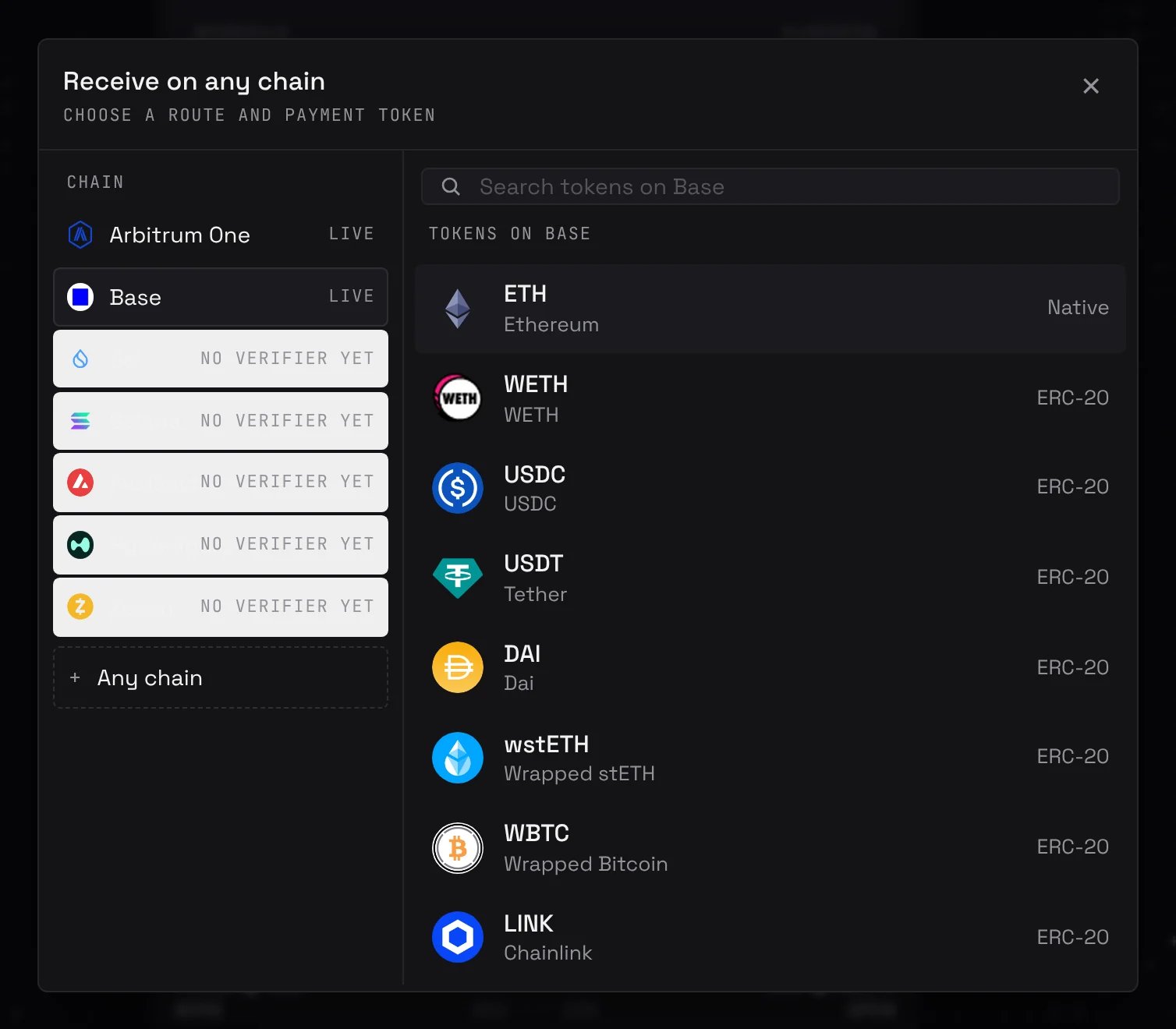
The receive picker
Offers
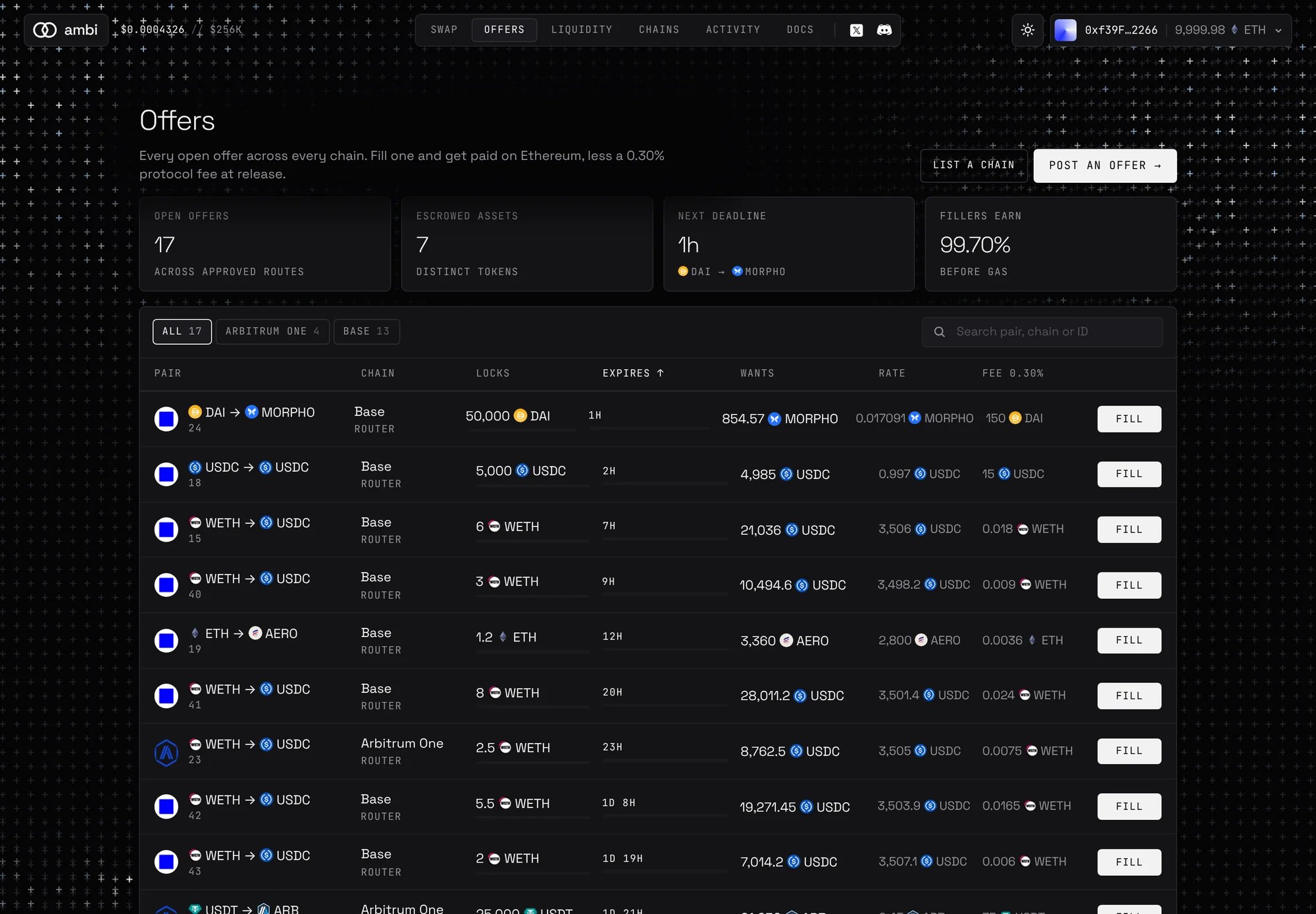
Every open order across every route. Filter by route, search by pair, token, maker or order ID, and sort by size or expiry. Clicking a row opens its order page.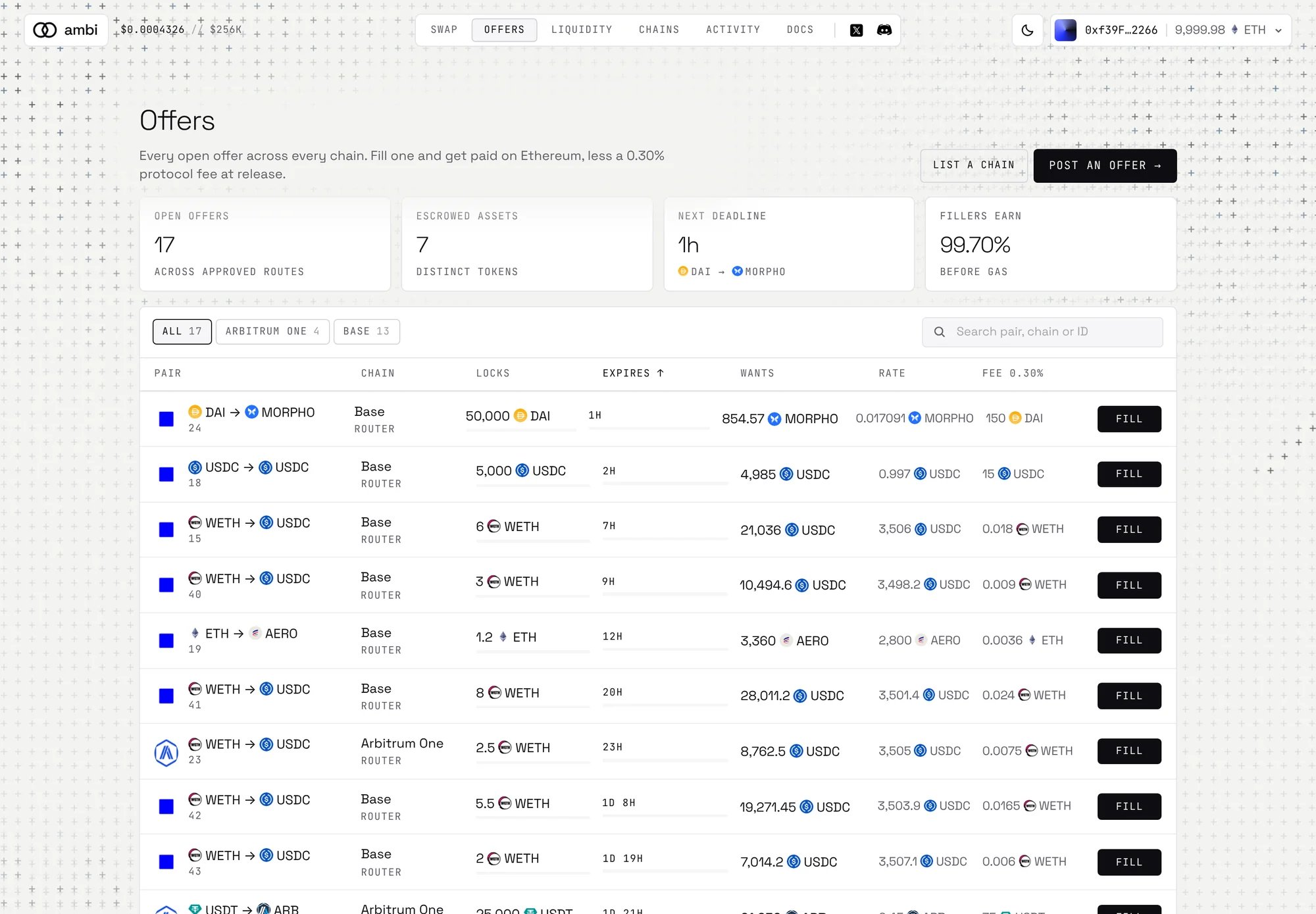
Liquidity
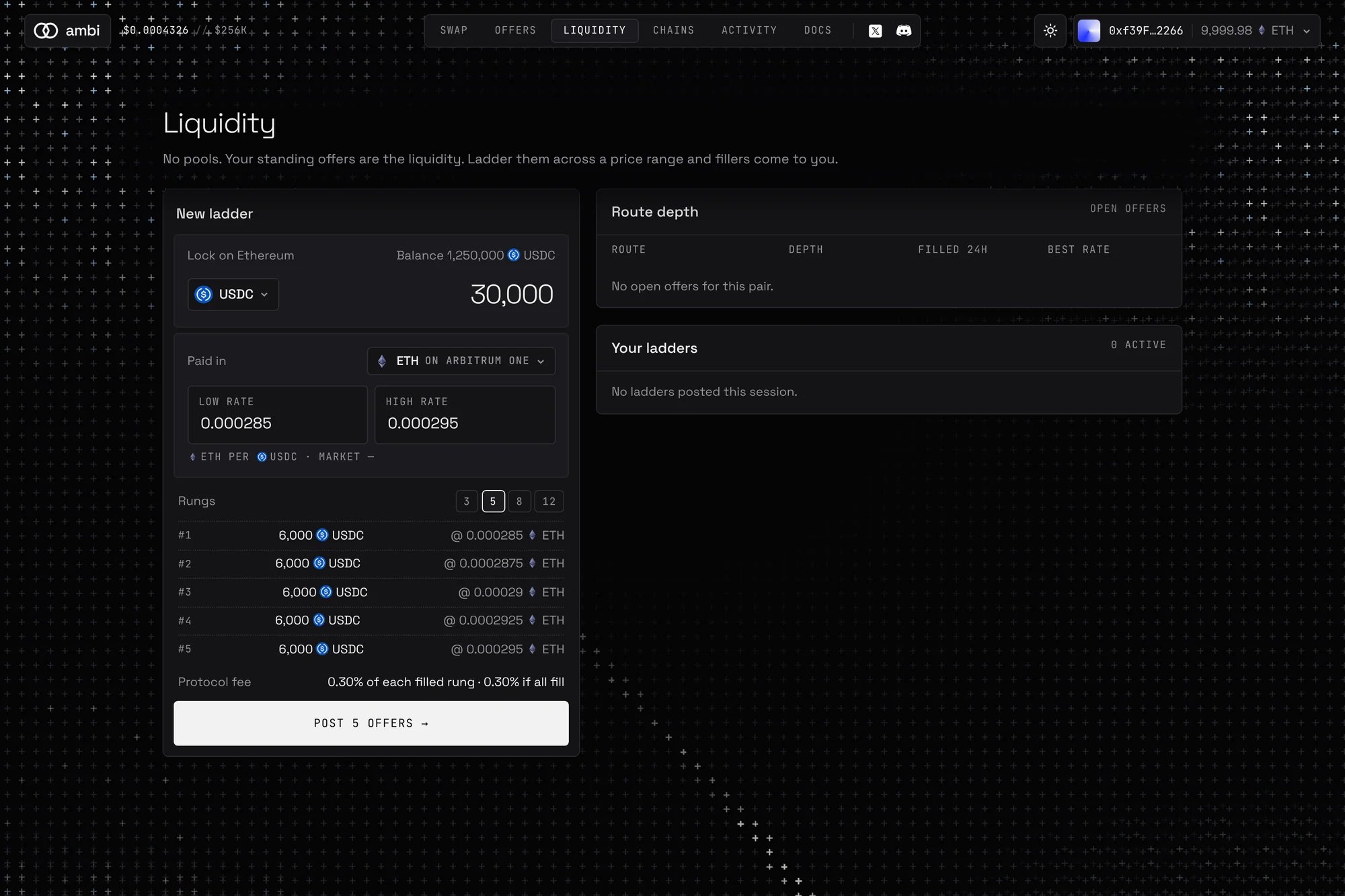
Ambi has no pools: standing offers are the liquidity. The ladder builder splits one amount across 3 to 12 offers between a low and a high rate and posts them in sequence. The route depth table shows what’s already resting on each pair.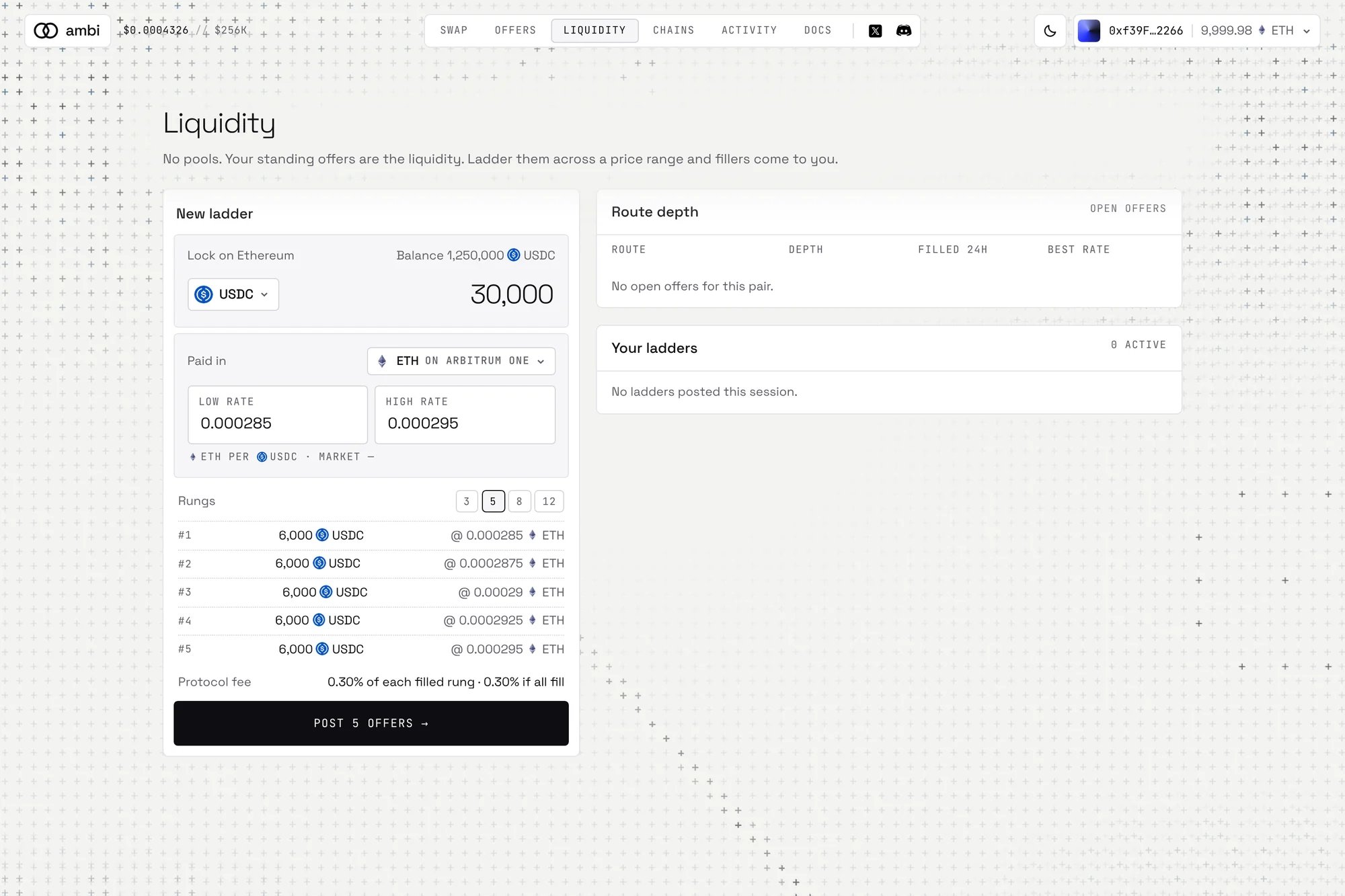
Chains
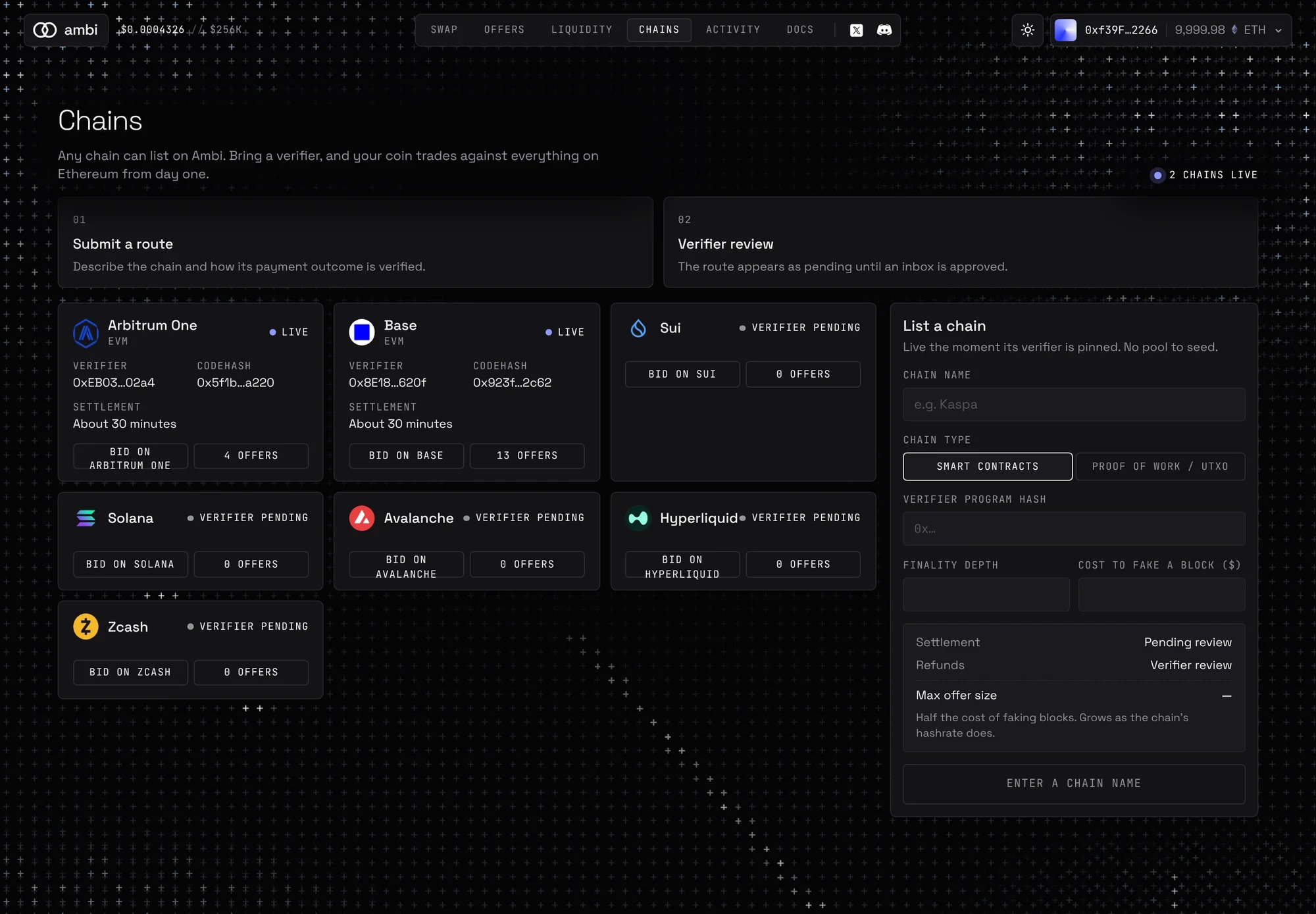
Live routes with their verifier and code hash, chains whose verifiers are pending, and the form to apply for a new chain.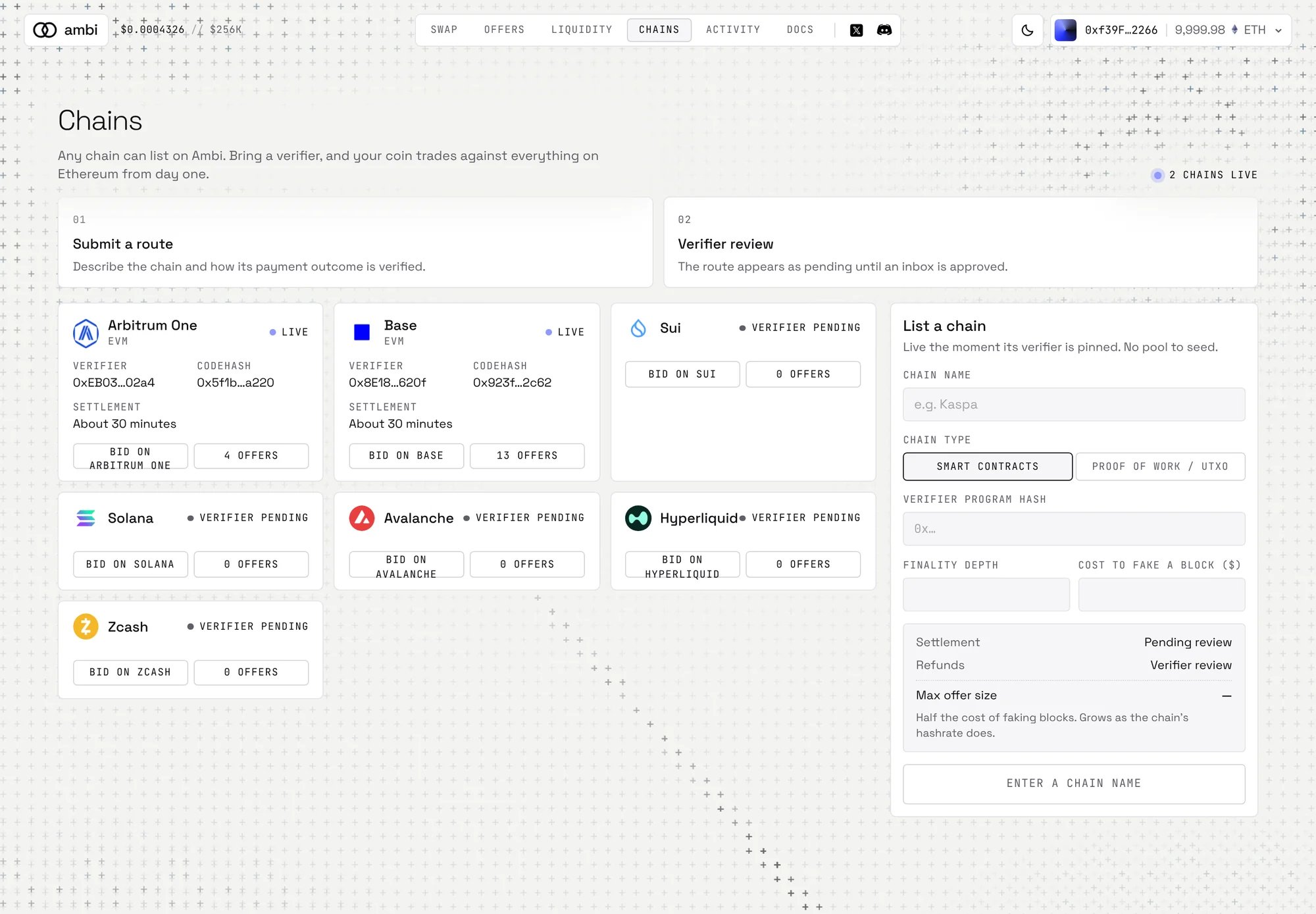
Activity
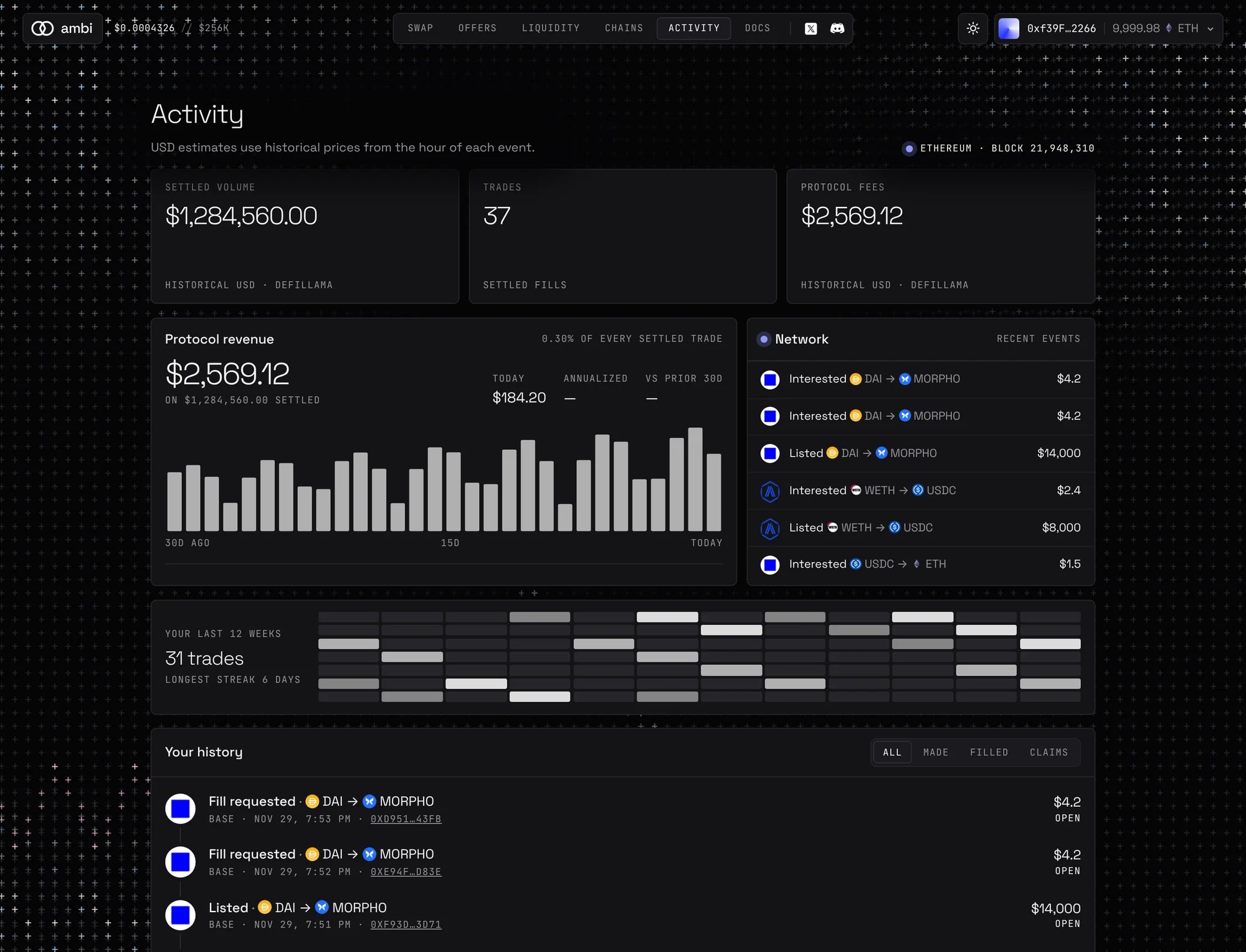
Settled volume, trades, protocol revenue by day, your fill heatmap and your full history, valued in USD at the hour of each event.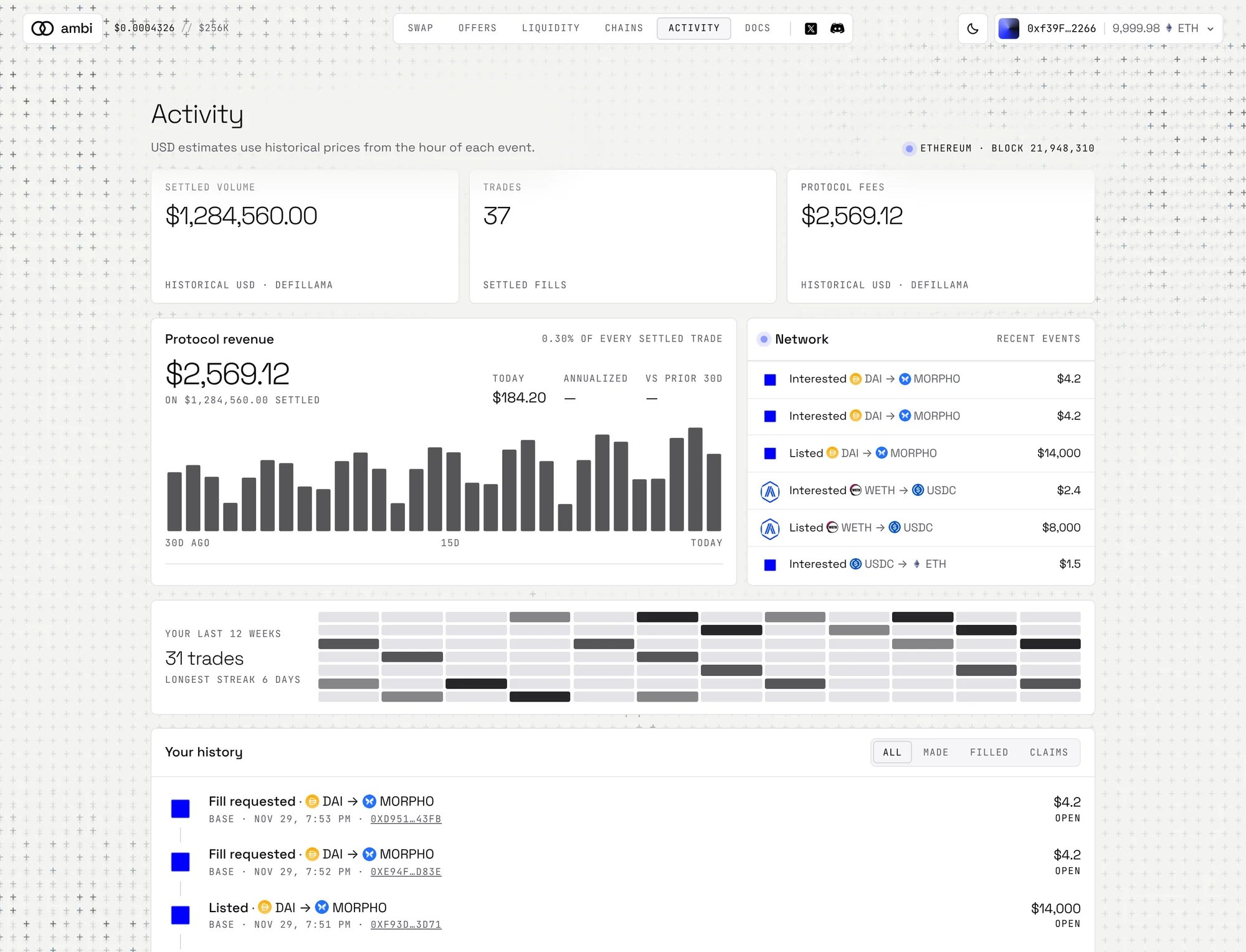
Your wallet
The account menu shows balances on Ethereum and lets you switch or disconnect. Injected wallets and WalletConnect are supported. Filling needs the same address on Ethereum and the destination chain, so smart-contract wallets with per-chain addresses can make offers but not fill them.